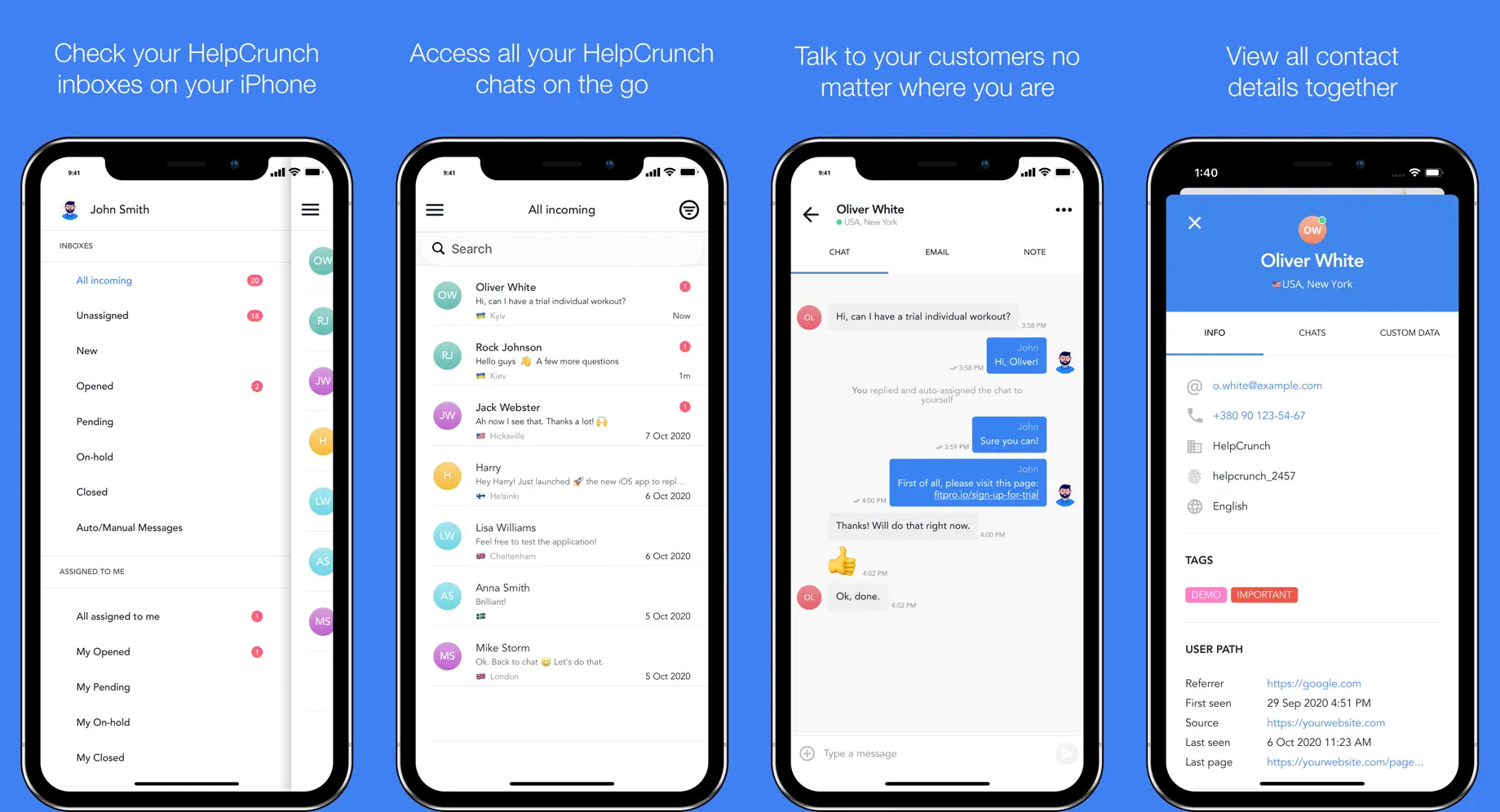
Step 1. Install HelpCrunch app for support agents
Step 2. Sig in to the app using your HelpCrunch credentials.
Step 3. Enable push notifications.
In order to never miss an incoming message from your customers, enable push notifications when the app will display the corresponding dialogue. Don't worry, you can configure or even snooze notifications alert in settings.
To delete your account or personal data, see Delete your account and data.
