In Knowledge base → Settings → Access control section you can manage who can view your Knowledge Base, how it’s indexed by search engines, and how traffic is analysed. These settings apply to all pages of your Knowledge Base and affect both visitors and your internal team members.
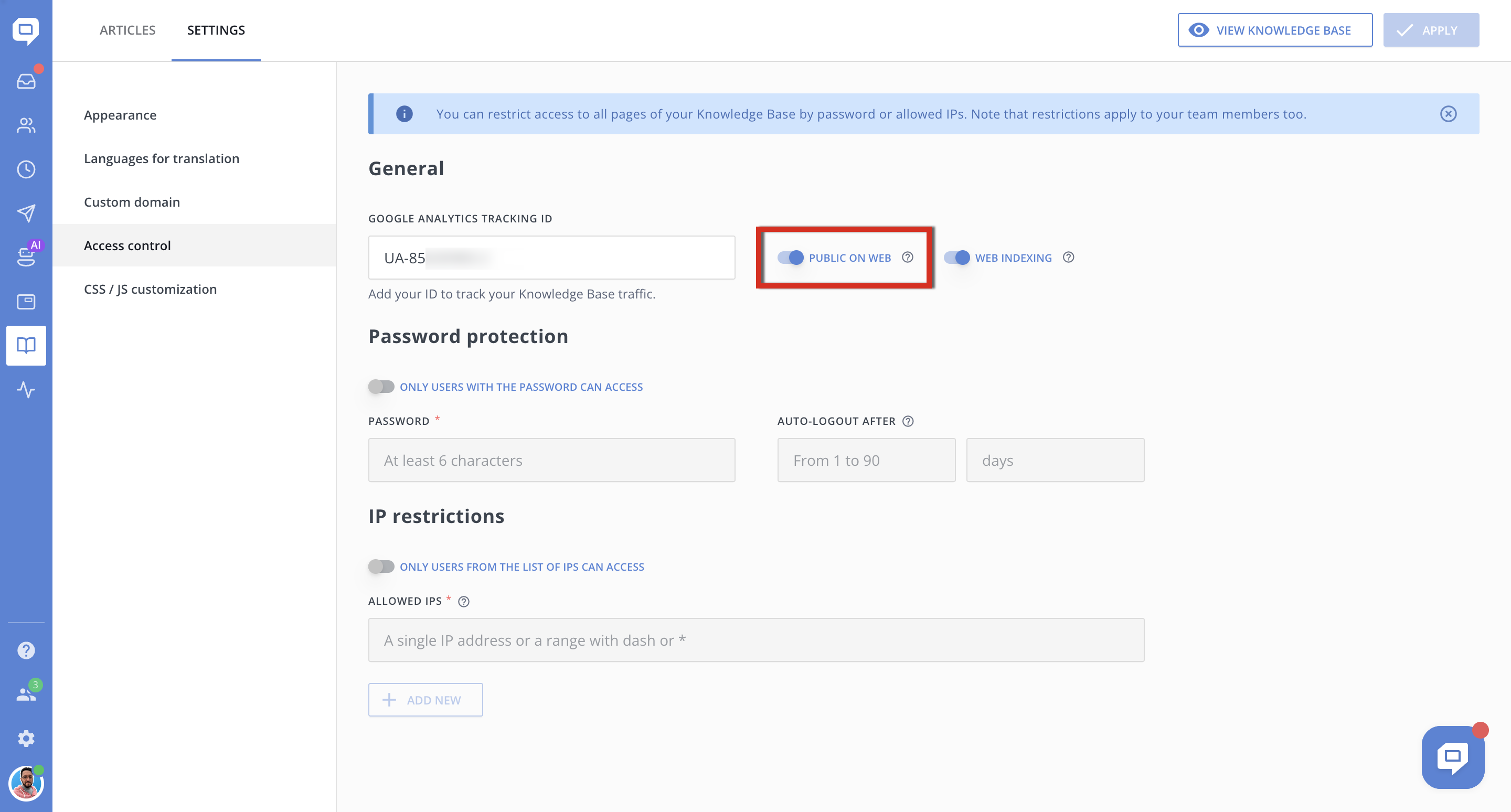
Public on Web
When the toggle is enabled, your Knowledge Base is accessible to anyone on the internet via its public URL (your_domain.crunch.help).
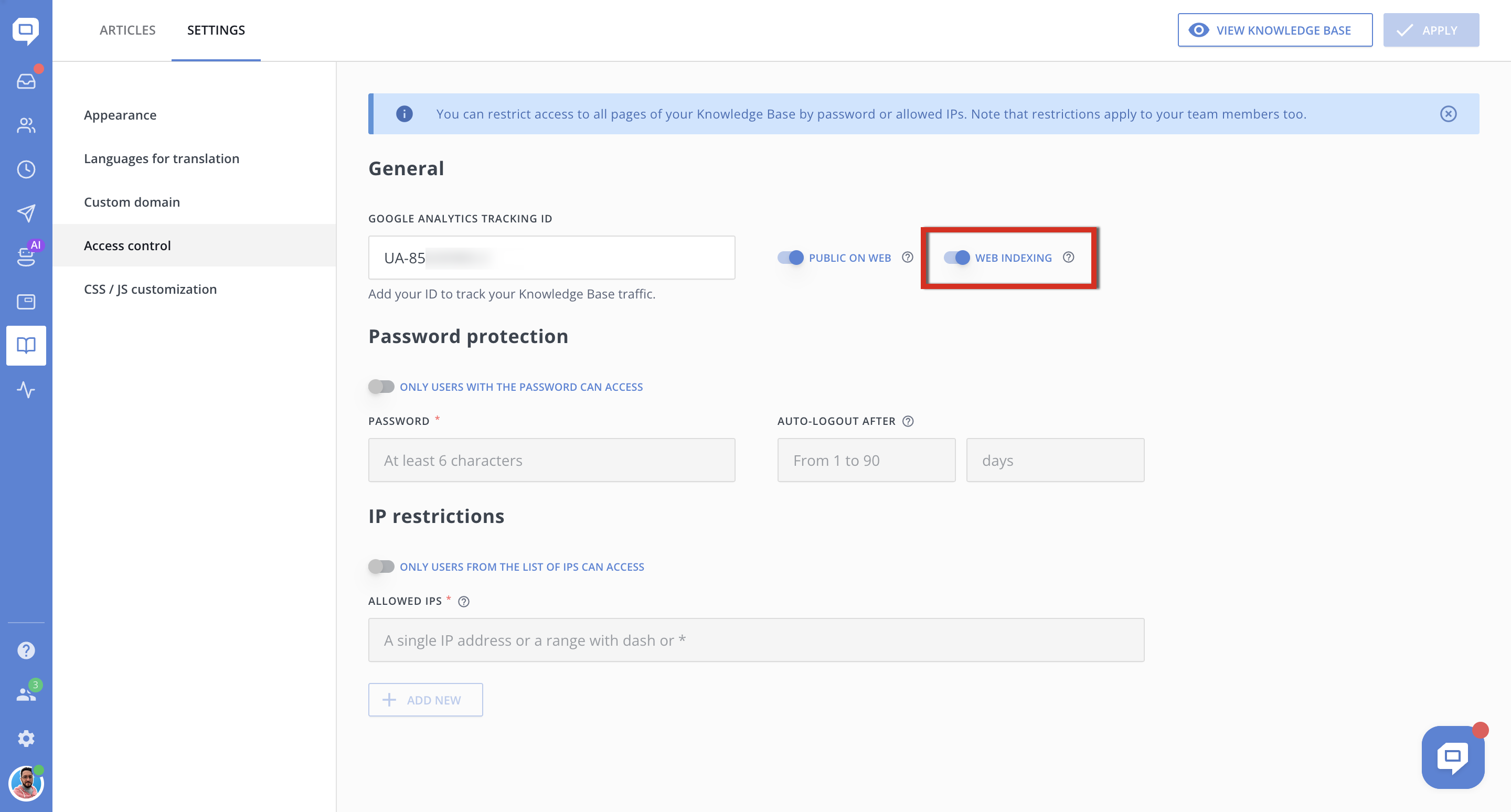
Web Indexing
This toggle controls whether search engines (Google, Bing, etc.) are allowed to index your Knowledge Base pages.
Pages won't appear in search engine results.
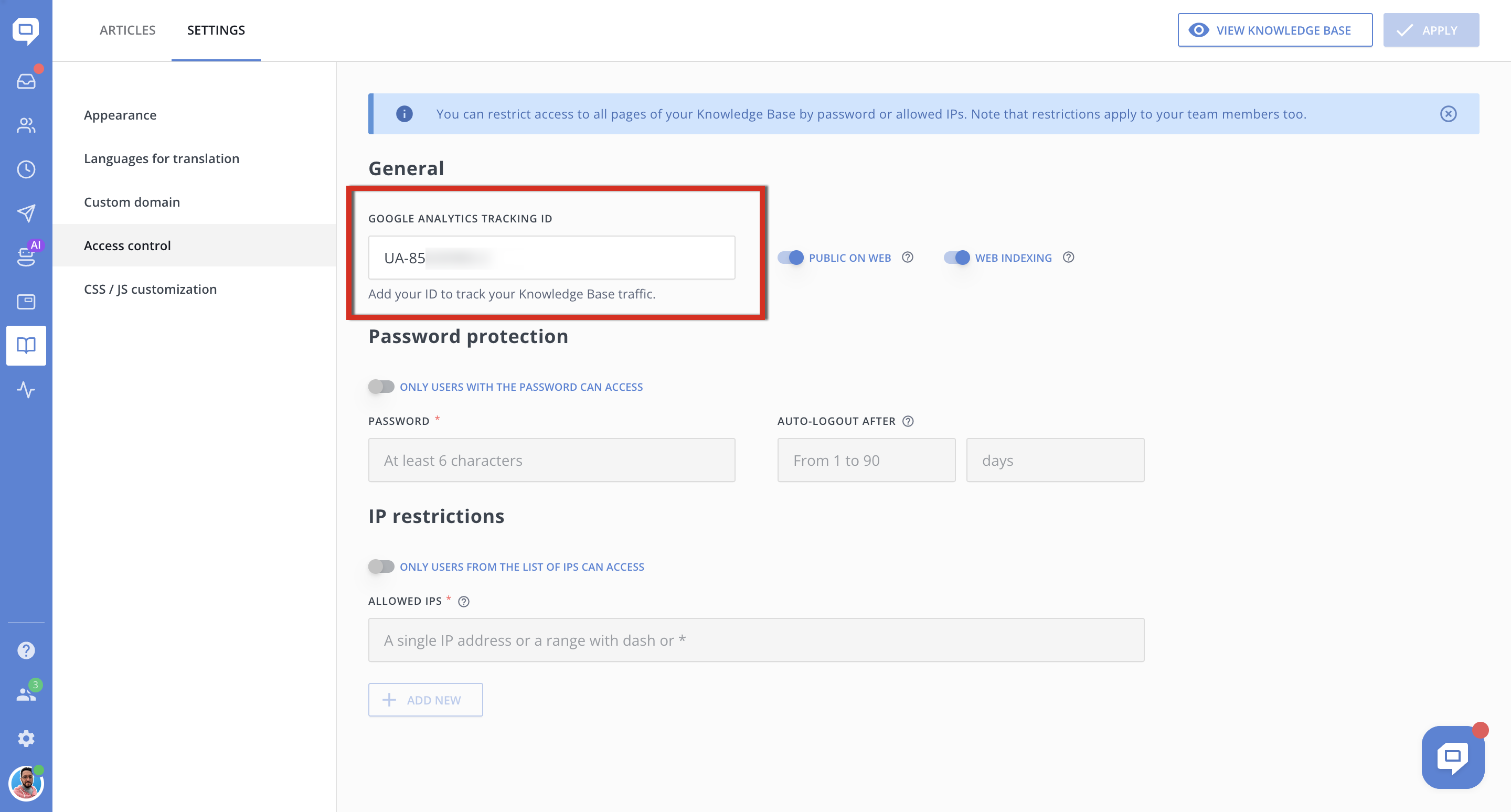
Google Analytics Tracking ID
Allows you to connect Google Analytics to your Knowledge Base and track visitor activity.
Use this to analyze:
-
Traffic volume
-
Popular articles
-
User behavior and navigation paths
Restrict Access by Password
Toggle: Only users with the password can access
Protects the Knowledge Base with a shared password.
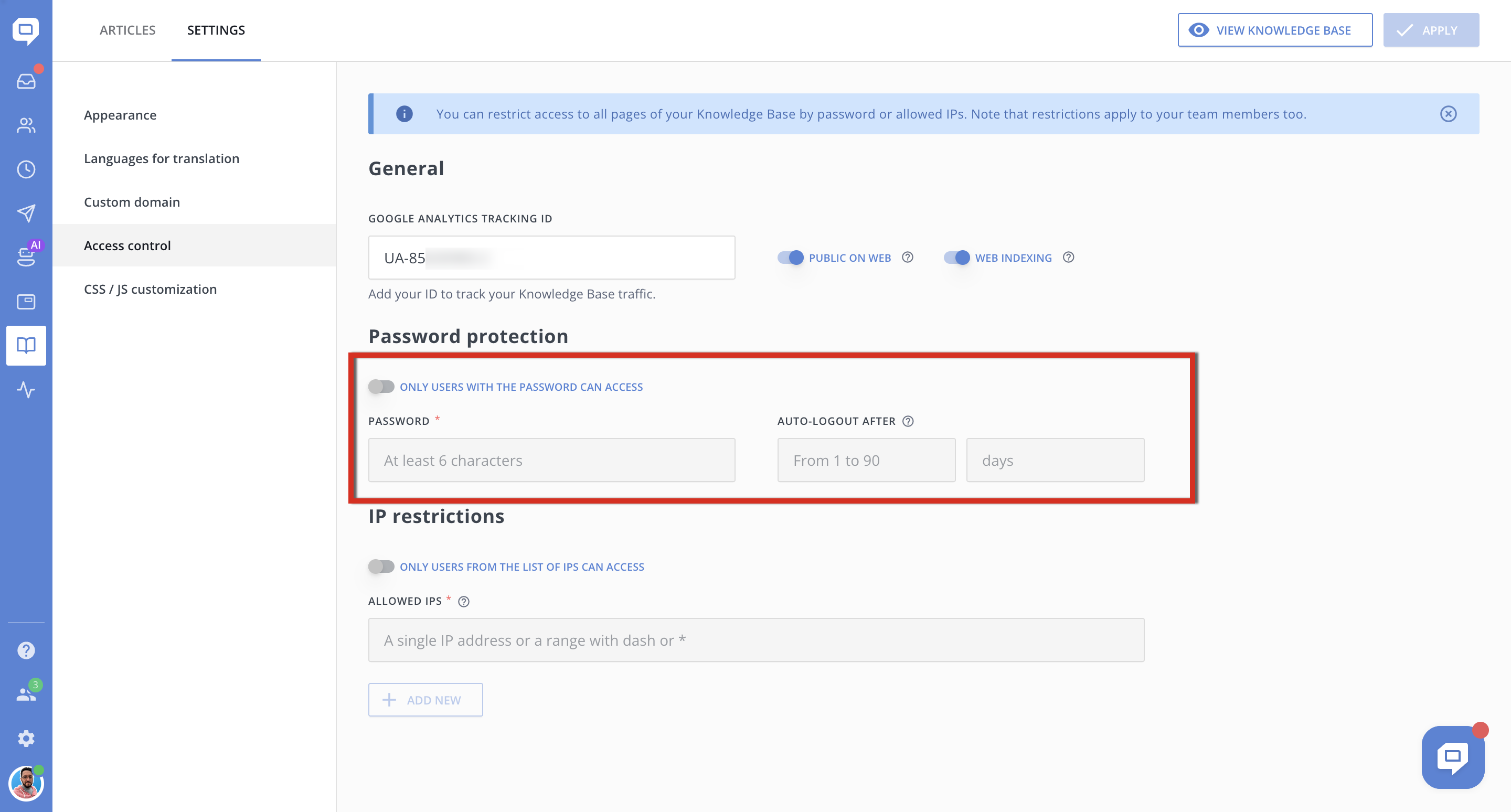
To enable password protection:
- Turn on Only users with the password can access.
- Enter a password containing at least six characters.
- In Auto-logout after, enter a value from 1 to 90 days.
- Click Apply.
The auto-logout period determines how long access remains active after a user enters the password. Returning to the Knowledge Base does not restart or extend this period.
When the selected period ends, the user is logged out automatically and must enter the password again.
If you leave the Auto-logout after field empty, the user session will not have a fixed expiration period. It will remain active for as long as the browser allows.
How to change an existing password
For security reasons, HelpCrunch does not display a password that was saved previously. Instead, the Password has been set before status appears next to the field.
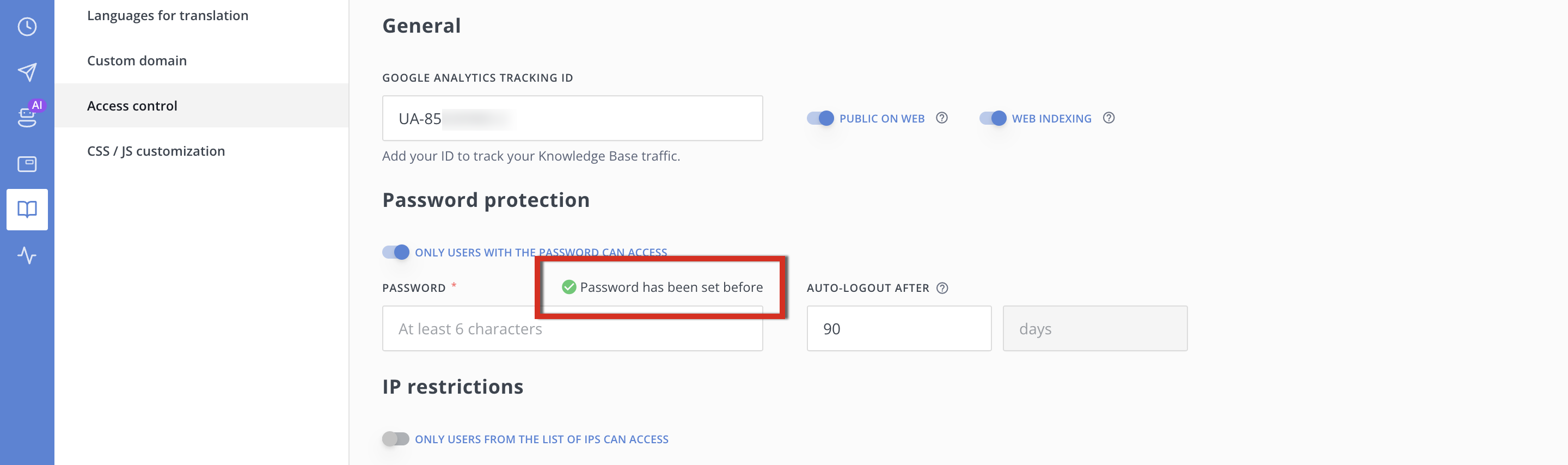
How to change the password:
- Enter a new password in the Password field.
- Click Apply.
The new password will replace the previous one.
Restrict Access by IP Address
Toggle: Only users from the list of IPs can access
Limits access to the Knowledge Base to specific IP addresses or IP ranges.
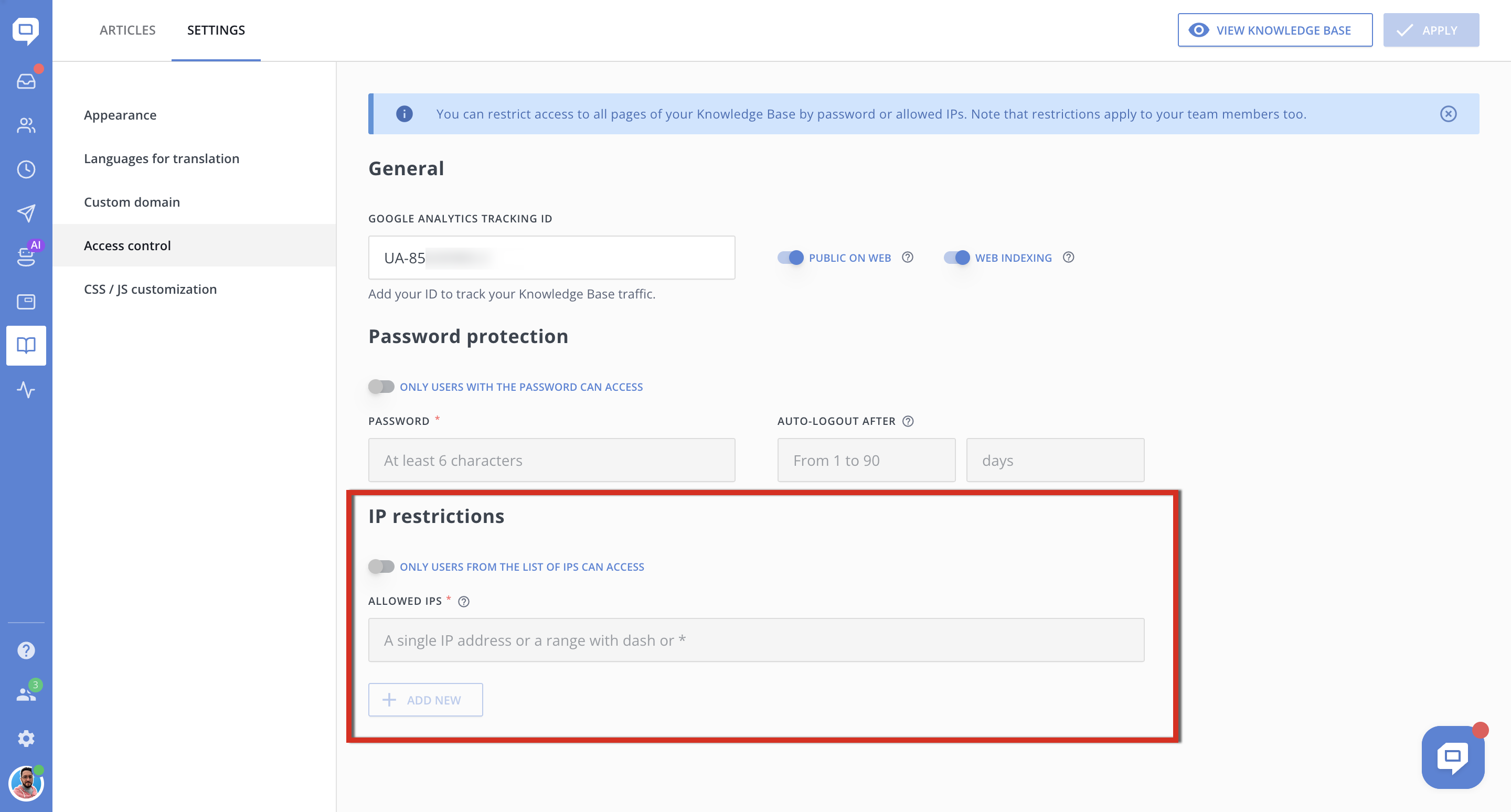
How it works:
-
Enable the toggle to activate IP-based access control.
-
Add one or more IP addresses or ranges to the whitelist.
Supported formats:
-
Single IP: 192.168.1.1
-
IP range with dash: 192.168.1.1-192.168.1.255
Only users accessing the Knowledge Base from the specified IPs will be able to open it.
Use cases:
-
Internal company documentation
-
Restricted partner access
-
Office-only access
