Question:
Why do I see 500 total chats in the report, but only 300 in the export file?
Reason:
This difference is expected and comes from how chats are counted in the report vs. the export.
When you view the overall Team Members report (without selecting a specific agent), the Total Chats metric counts chats per agent involved.
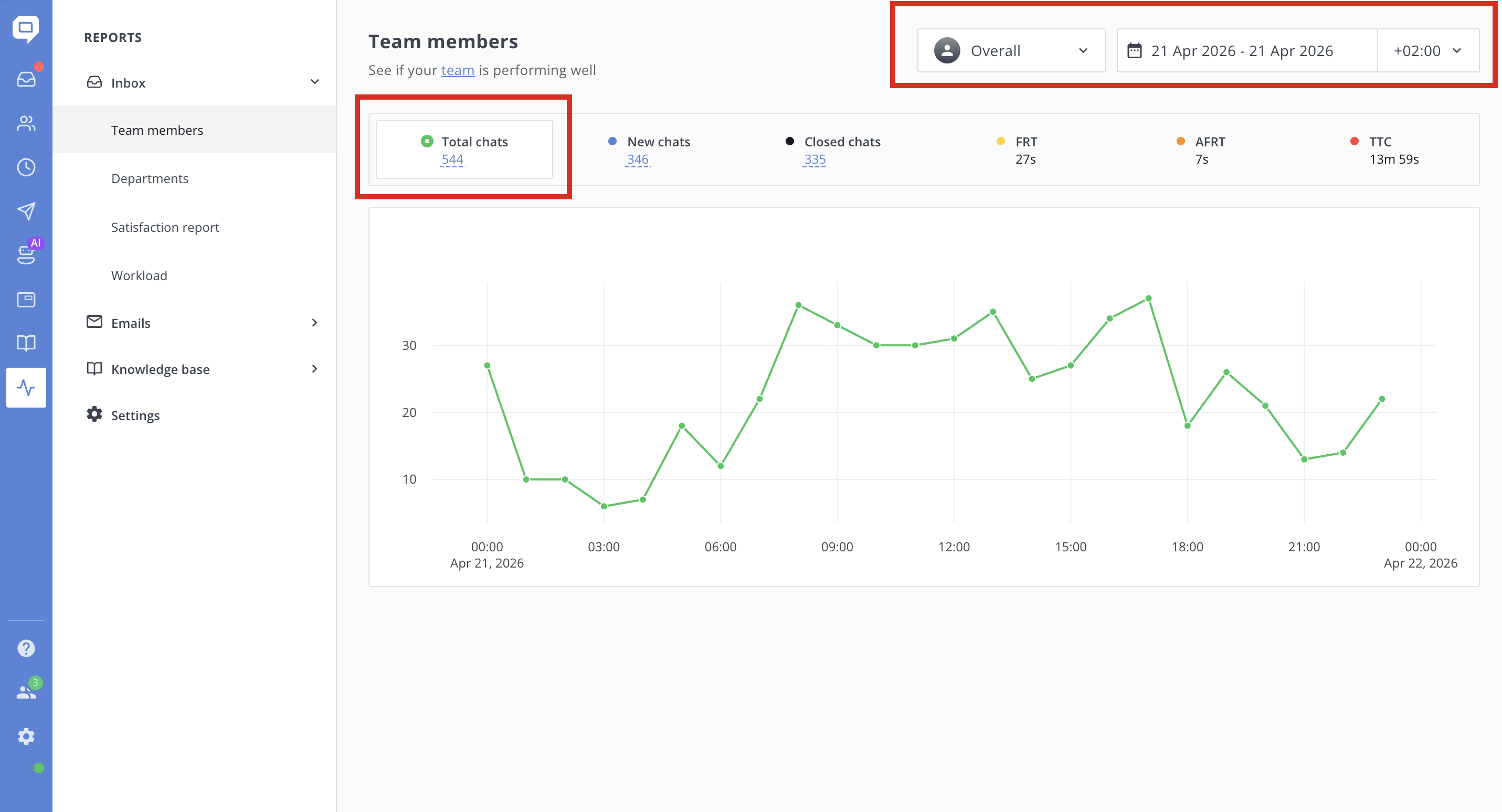
For example:
- If 2 agents replied in the same conversation, that chat is counted twice in the report (once for each agent).
- As a result, the Total Chats number may be higher.
However:
- When you click into the list or export the data, only unique chats are shown.
- The export file does not include duplicates, even if multiple agents participated in the same conversation.
In short:
- Report = counts chats per agent involvement
- Export = shows unique chats only
That’s why you may see 500 in the report but only 300 in the export.
